
Cruise ship app testing in 2026: QA for bugs that only show up at sea
TL;DR
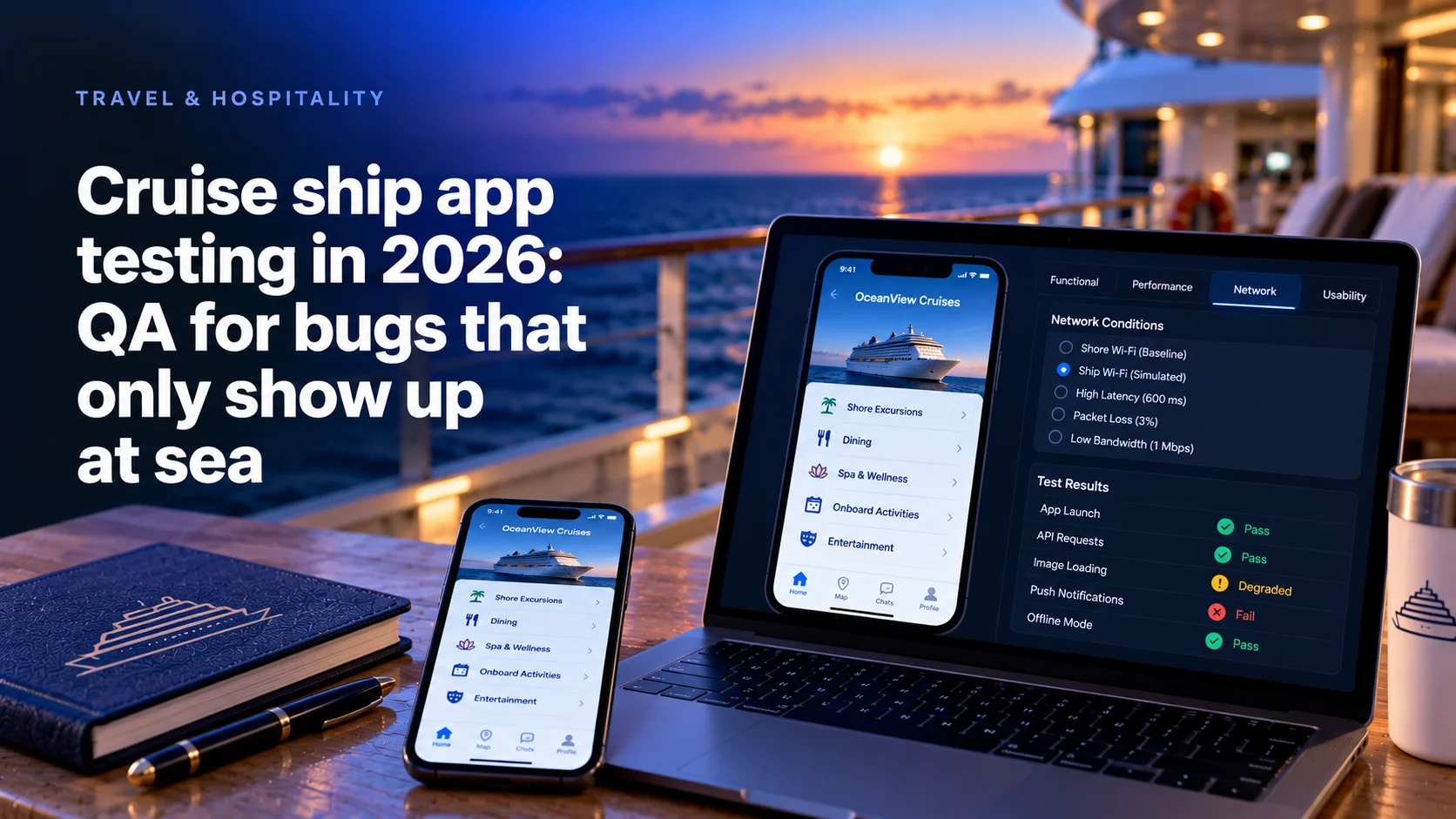
Cruise ship app testing in 2026 has to end on a real vessel, because three things a shore lab rarely reproduces break apps at sea: weak shipboard hardware, ship network latency and small tap targets used on a moving deck.
- Norwegian Cruise Line put its new app in front of guests on two sailings in 2024 and rolled it out ship by ship.
- Virgin Voyages ran an iPhone beta through TestFlight in February 2025; Android followed in August 2025.
- Apple asks for hit regions of at least 44x44 pt and Google for 48dp. Both are minimums ashore.
- Mercury Development's onboard spa software for OneSpaWorld has run since 2018 on over 160 ships, on servers with no external internet connection.
Why a shore lab cannot reproduce the ship
Cruise lines already test on ships. Norwegian Cruise Line's new app was first tested by guests on Norwegian Sky's five-night sailing from Miami on August 30, 2024, with Norwegian Encore's Alaska voyage next, and the line said it would roll out on a ship-by-ship basis.
Virgin Voyages took the same route. Its redesigned app began a beta in February 2025, iPhone only, through TestFlight, with an invited sailor booked on Scarlet Lady. The iOS app reached all users in June 2025, and Android users found it on Google Play on August 18, 2025.
Why go to sea? The ship changes three inputs at once: slower devices, a satellite hop behind shared Wi-Fi, and a person tapping on a deck that moves. A lab can fake each input. It cannot fake them together, with real guests on real accounts.
Since April 2026 every TestFlight build comes from Xcode 26
Since April 28, 2026, Apple requires apps uploaded to App Store Connect to be built with Xcode 26 or later and an SDK for iOS 26. TestFlight builds are uploaded to App Store Connect, so the rule reaches your test build before it reaches your release.
On Android, Google Play requires new apps and app updates to target Android 16, API level 36, since August 31, 2026.
So the build you carry on board uses the same toolchain as your next release. A team still keeping an older Xcode for a legacy app pays for it in the test window.
How we put this guide together
We read the pages that come up for this question: DeviQA's maritime software testing page and Thoughtworks' 2013 Radar entry on mobile testing on mobile networks. Both say to simulate the network. Neither plans an onboard test window or covers TestFlight builds for a sailing.
Platform docs were read in October 2026. Cruise patterns come from Mercury's records, without client names. Mercury Development builds this kind of software, so read this as an interested view.
Shore lab versus real vessel at a glance
| Failure source | What you can reproduce ashore | What only the ship shows | Where to catch it |
|---|---|---|---|
| Weak hardware | Old phones, budget tablets, throttled CPU | Kiosk tablets under a full day of real bookings | Lab first, then on board |
| Latency | Fixed delay and bandwidth caps | Shared Wi-Fi at peak, the shore link dropping mid-request | Network profiles ashore, then a full sea day |
| Small tap targets | Size audits against platform minimums | A guest tapping on a moving deck in sun glare | Design review, then guests on board |
| Identity | Staging test accounts | Tokens issued ashore that fail on the ship network | Only on board |
| Builds | Upload, review, install | Devices that cannot reach Apple or Google from ship Wi-Fi | Before embarkation |
Test on the hardware the crew actually holds
Crew devices are rarely flagships. Mercury's spa software for OneSpaWorld runs on Android tablets in kiosk mode and on ordinary computers without touch input. Our scoping notes for that program flag onboard hardware performance as a risk.
Android raises an ANR when the app has not responded to a key press or screen touch within 5 seconds. A sync job parsing a large payload on the main thread passes on a test phone and freezes a budget tablet.
What we put in the device lab before anyone boards:
- The exact device models from the ship inventory, at the OS version the fleet runs.
- A full voyage of data: a week of bookings, signed forms and guest notes, not the ten rows in staging.
- The device at its worst. Apple's WWDC19 session on adverse network and temperature conditions shows Xcode pushing an iPhone into a serious thermal state, where the system reduces CPU, GPU and I/O. A phone on a sun deck lives there.
- Kiosk mode on, because locked navigation hides the exits your scripts use.
If push alerts are part of the crew workflow, test them against our list of why push notifications on cruise ships fail.
Treat ship latency as its own network profile
A ship link is not slow internet. It is a different network. Ookla's Q1 2025 figures, reported by RCR Wireless, put median latency at 45 ms for Starlink and 683 ms for HughesNet, measured by land users. A ship adds onboard Wi-Fi shared by every guest, so treat both as the floor.
Build three profiles and run every flow under each:
- Onboard only. The phone reaches the ship server, the ship cannot reach the shore.
- Long hop. Add the satellite delay to every shore call. On iOS, the Network Link Conditioner in the device's developer settings takes custom presets for bandwidth, packet loss and latency, per the same WWDC19 session.
- Drop mid-request. The Android emulator console sets delay with
network delayand bandwidth withnetwork speed. Its docs list no packet loss command, so cut the link at the router as well.
Apple notes that a device condition caps the real network and cannot improve it. Our cruise teams have still logged slow screens from real sailings, such as profile preferences that take a long time to load.
How the app should behave when the link drops entirely is covered in our guide to offline-first mobile apps for ships.
Size tap targets for a moving deck
Platform minimums are written for land. Apple's Human Interface Guidelines say a button needs a hit region of at least 44x44 pt. Google's touch target guidance asks for at least 48dp, about 9mm, with 8dp between targets. WCAG 2.2 sets 24 by 24 CSS pixels at Level AA for web views.
At sea those numbers are a floor. Feedback from one real sailing, as our team logged it: "sometimes navigation, buttons are not working because it has a really small area to tap." Nothing was broken in code. The hit area simply matched the icon.
What we check:
- Measure the hit area, not the drawn icon. Bottom navigation and close buttons fail first.
- Keep 8dp or more between destructive and harmless actions, such as cancel booking and back.
- Test one-handed while walking. Ship motion turns a near miss into a wrong tap.
- Check open-deck sun. Glare hides low-contrast states such as disabled buttons.
Plan the onboard test window like a release
An onboard window is short and rarely repeatable within the month. Treat it as a release with a go or no-go.
- Book it early: a sailing, a berth, ship network access and a named onboard contact. Embarkation dates do not move for a sprint.
- Freeze scope a week before. Only builds that passed every shore profile go on board.
- Write the ship-only scripts: first login after boarding, a full sea day with the screen locked, the shore link dropping during a payment, the International Date Line if the route crosses it.
- Prepare accounts that will not expire mid-voyage. Our cruise projects have been slowed by expiring test accounts and slow VPN access.
- Check the API before you sail. On one program an API worked in production and failed in QA. Know which environment each onboard build calls.
- Log on the device in UTC with the ship's zone, hold a daily triage call and decide at sea which fixes go into the next build.
Checking QA and production APIs before the voyage is part of the access list in our guide to mobile development when the backend is not ready.
Get TestFlight and Play builds on devices before embarkation
TestFlight takes up to 100 internal testers, App Store Connect users, and up to 10,000 external testers by email or public link. A build can be tested for up to 90 days. External testing may need a review for the first build, so the first external build of a new app goes up well before the sailing.
On Android, a Play Console internal test takes up to 100 testers per app, and a new bundle reaches them within minutes. Closed tests take email lists or Google Groups for wider crew.
The ship adds one rule: install ashore. Builds come from Apple's and Google's servers, which a device on free ship Wi-Fi may not reach. Carry the candidate and the last good build, so a bad candidate does not end the test day. For kiosk tablets without a store account, agree the install path with the line's device team.
What our cruise programs show
OneSpaWorld describes itself as the operator of health and wellness centers onboard cruise ships. Mercury's spa platform for it has run since 2018 on over 160 ships of multiple cruise lines, as ReactJS applications on onboard servers with no external internet connection. Its E-Forms platform serves 1,000+ devices and over 3,000 staff members, syncing in near real time over low or sporadic bandwidth.
We scoped real-vessel test deployments into the OneSpaWorld work, because the environment could not be recreated accurately onshore. The guest app programs we build for cruise line clients Mercury cannot name under NDA follow the same pattern: TestFlight builds, on-ship testing before release, and bugs that appear only on board, such as a login token issued ashore that stops working on the ship network.
Mercury's QA practice has 100+ QA engineers, and our test automation runs on tools such as Appium and Playwright. That covers the shore half of this plan. The ship half is a calendar problem.
What sea trials add to the budget, and why cutting them costs more later, is in our guide to cruise app development cost.
Book the ship as a test environment
Teams that miss ship bugs usually test well, in the wrong place. A ship is a test environment with a booking calendar. Put it in the plan next to staging.
Change the vendor interview. Skip "do you do device testing". Ask: "Our test sailing is in six weeks. Which builds go on board, who installs them, and what do you test on the first sea day?" A team that has done this answers with a script and a device list. One that has not answers with a device cloud.
Own the result: Mercury's About page states that the customer owns the code and all underlying IP, test suites included.
Written by Alexey Rodionov, Lead Front-end Developer at Mercury Development since 2020. Alexey is a Google Developer Expert in Web Technologies and a Chromium contributor whose code ships in Chrome DevTools, Google's Bubblewrap and Microsoft PWABuilder. The onboard test findings and platform limits behind this article's test plan come from the front-end practice he leads.
Sailing soon with a new app build? Plan the test voyage first
Tell us which apps go on board, which devices guests and crew use and when you sail next. We will turn that into a voyage test plan: what to prove ashore, what to run on board and which builds each device carries.