
Live streaming from drones in 2026: RTMP, 360 cameras and gear checks
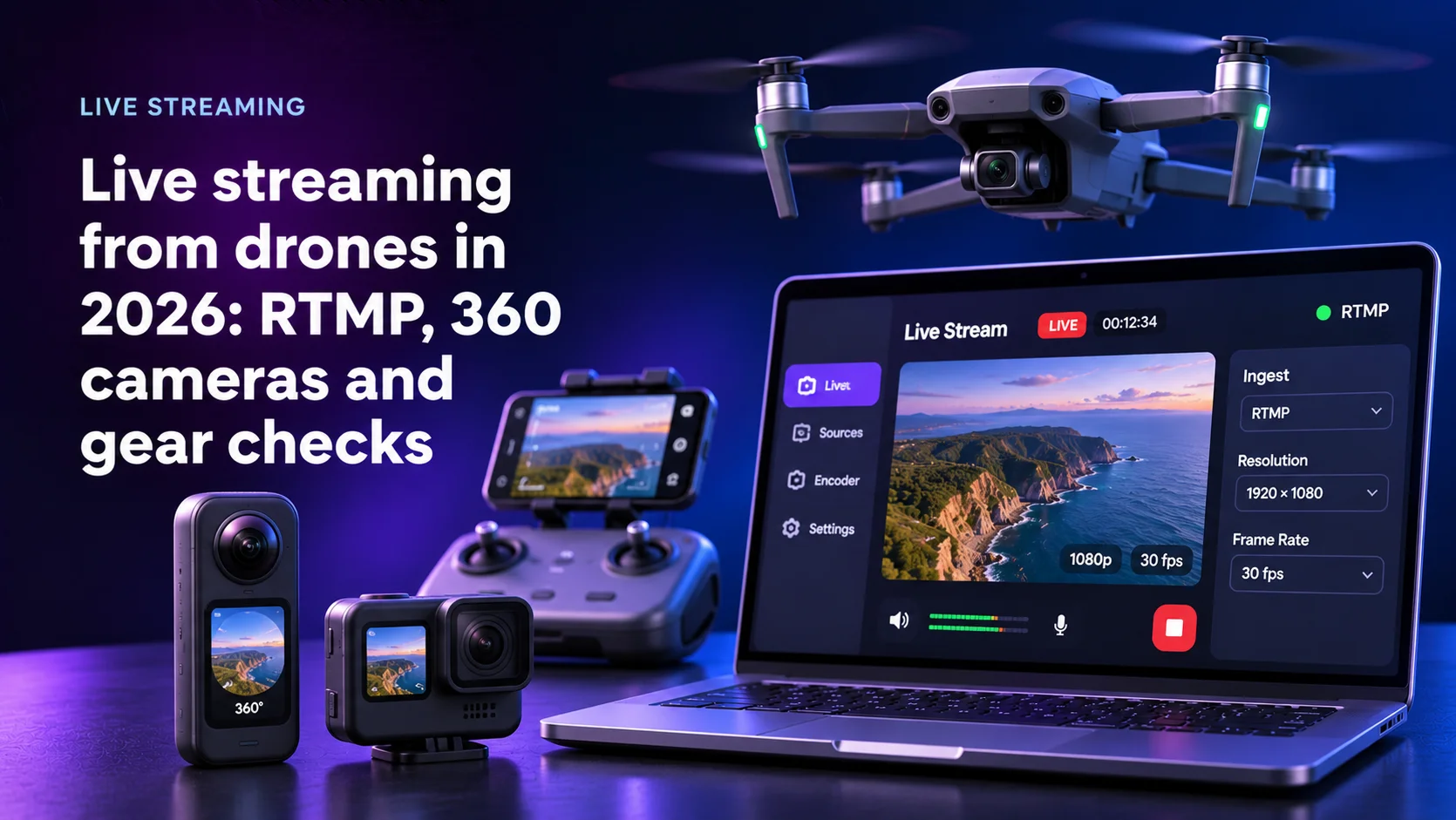
TL;DR
Live streaming from drones, 360 cameras and OBS into your own mobile app in 2026 is an ingest problem first and a video problem second. No source proves what hardware is behind it.
- DJI's Mobile SDK v5 pushes RTMP, RTSP, GB28181 or Agora, with presets up to 1920x1080 at 30 fps.
- Bluetooth controls 360 and action cameras. Video travels over Wi-Fi or USB.
- YouTube Live tops out at 2160p. 8K exists on YouTube as an upload format.
- Amazon IVS caps single-track ingest at 1080p, so 4K from a streamer needs a different pipeline.
- Price streams by verified tier: SDK-attested device, measured stream, or declared only. An OBS encoder string is a claim, not proof.
Why live streaming from drones breaks a phone-first app
Most live apps start with the phone camera. One device captures and uploads, and your app knows which camera it opened.
External sources break that model. A drone encodes inside the pilot's controller app. A 360 camera stitches in its own SDK. OBS on a laptop can carry any camera or a prerecorded file. Your backend receives a stream key and bytes.
A marketplace brief that reached Mercury asked for all of it at once: drones, 360 and car-mounted cameras paired over Bluetooth, OBS over RTMP, scenic video up to 8K. The founder worried streamers would overstate their gear to charge more: a claimed $15,000 drone that turns out to be a $59 one. Our team flagged that identifying the device behind an RTMP stream was still unsolved.
The FCC Covered List changed which drones you can plan for
On December 22, 2025, the FCC's Public Safety and Homeland Security Bureau released Public Notice DA 25-1086. It added UAS and UAS critical components produced in a foreign country to the FCC Covered List, under section 1709 of the FY2025 NDAA. Covered equipment cannot receive new equipment authorizations.
The FCC fact sheet of January 7, 2026 states that the change does not prohibit the import, sale or use of existing device models the FCC already authorized. A second notice, DA 26-22, exempts Blue UAS Cleared List items and Buy American domestic end products until January 1, 2027.
Drones your streamers own today keep flying, and new foreign-made models may never reach the US market. Build the drone layer so another SDK or plain RTMP can replace one vendor without a rewrite.
How we put this guide together
We asked search engines and AI assistants how to build live streaming from drones into an app. They return consumer how-tos for one DJI model, with five FAQ questions at most, and none covers equipment verification.
So we read primary documentation in November 2026: vendor SDK references, AWS IVS quotas, YouTube's encoder tables, OBS source code and the FCC notices. Client needs come from Mercury's media presales records, described without names. Mercury Development builds this kind of app, so read this as an interested view.
Five ingest paths at a glance
| Path | Who encodes | Protocol into you | Practical ceiling | What you can verify |
|---|---|---|---|---|
| Phone camera in your app | Your app | RTMPS, SRT or WHIP | Your encoder settings | Device model and app integrity |
| Drone via DJI MSDK in your app | Your app with the SDK | RTMP, RTSP, GB28181, Agora | 1080p30 presets | Connected aircraft through the SDK |
| Drone via the vendor's own app | Vendor app | RTMP to a URL you issue | Vendor setting | Stream metrics only |
| 360 or action camera | Camera or its SDK | RTMP(S) over Wi-Fi | GoPro: 1080p30 | Camera parameters through the SDK |
| OBS or a hardware encoder | Streamer's PC | RTMP, Enhanced RTMP, SRT, WHIP | Their machine and your ingest cap | Stream metrics only |
Drones: the controller app is the encoder
A drone does not stream to the internet. It sends video to its controller, and the app there pushes it.
The streamer pastes an RTMP URL from your backend into the vendor's flight app: fast, and you learn nothing about the aircraft. Or your app embeds the vendor SDK and becomes the flight app.
DJI's ILiveStreamManager in Mobile SDK v5 supports four stream types: RTMP, RTSP, GB28181 and Agora. Quality presets run from 960x540 to 1920x1080, all at 30 fps. The MSDK v5 repository lists supported aircraft, among them DJI Mini4 PRO, DJI Mini3 Pro, Mavic 3 Enterprise Series and Matrice 350 RTK. Models outside it cannot talk to your app.
The SDK path costs more: you own the flight UI and its store review. In exchange, the session knows which aircraft is attached.
360 and action cameras: Bluetooth steers, Wi-Fi carries video
Bluetooth in these briefs means control, not video. Insta360's Android SDK connects over Bluetooth, Wi-Fi or USB, and its README says large data transmission is not supported over Bluetooth, naming preview and live streaming. The SDK supports X5 and X4, reads camera parameters and returns gyro data at 10 Hz.
GoPro works the same way. The Open GoPro documentation describes BLE as the control channel, with media over Wi-Fi or USB through an HTTP server. Its live streaming feature sends to any RTMP(S) URL over Wi-Fi. The Open GoPro FAQ lists livestream at 480p, 720p or 1080p, 30 fps, 0.8 to 8 Mbps.
The X5 records 8K30 360 video, as Post Magazine reported at launch. Recording is not streaming: plan the live feed at the stream resolution.
The WWDC23 session on iPadOS 17 says only iPad supports external UVC cameras. Android's external USB camera support depends on the device maker and is not designed for high-resolution streaming.
Recording, editing and uploading from the phone camera is covered in our guide to video editing app development.
OBS and RTMP: a stream that says nothing true about the camera
RTMP carries a metadata block. In flv-mux.c OBS writes an encoder field built from its module name and the libobs version. That string names software on the streamer's computer. It can be edited, and no field names the camera.
Enhanced RTMP adds HEVC, AV1, VP9 and multitrack, and OBS 29.1 added AV1 and HEVC over Enhanced RTMP, enabled first for YouTube as a beta. OBS 30.0 added WHIP output, the WebRTC ingest protocol in RFC 9725. SRT recovers from packet loss on bad networks and encrypts with AES.
Accept RTMPS and SRT from OBS, and treat it all as declared.
Stabilize at the source, never on the server
Stabilization needs motion data, and it lives on the device. A server sees only compressed pixels. So stabilize where the gyro is. Drones stabilize on the gimbal. GoPro streams carry HyperSmooth or nothing, per its FAQ. Insta360 exposes gyro data through the SDK, so your app can level a 360 view before encoding. For recorded clips, Gyroflow stabilizes from the camera's own gyro logs.
Server-side stabilization costs a decode and re-encode per stream and crops the frame. A phone mounted in a car is the easy case: the phone's own camera stack stabilizes before your encoder.
8K is an upload format, not a live one
YouTube's live encoder settings list 2160p as the top resolution, at up to 60 fps. For 2160p60 the recommended rate is 50 Mbps in H.264 or 35 Mbps in HEVC or AV1, over RTMP or RTMPS. YouTube's upload settings do cover 8K: 80 to 160 Mbps at standard frame rates for SDR.
Amazon IVS service quotas cap single-track ingest at 1080p, and at 8.5 Mbps on a STANDARD channel. IVS streaming configuration accepts RTMPS, RTMP and SRT, with H.264 video only.
So sell 8K as a recording uploaded after the flight. Sell live by tier: 1080p on managed ingest, 2160p on a pipeline you run.
What each ingest resolution costs to deliver is worked out in our guide to Amazon IVS pricing.
How to verify a streamer's declared equipment
You cannot prove the camera from the stream alone. You can stack evidence and price each level.
- Verified device. The stream comes through your app via a vendor SDK that reports the connected aircraft or camera. Play Integrity checks that requests come from your genuine app on a genuine, certified Android device. Apple's App Attest does the same job on iOS. Together they stop a modified client from faking that report.
- Measured stream. Your ingest reports what actually arrived. IVS GetStreamSession returns video width, height, codec, encoder, target bitrate and frame rate, and CloudWatch metrics track ingest bitrate and frame rate over the session. Resolution alone can be upscaled, so sample keyframes and check fine detail.
- Declared only. OBS or RTMP from the vendor app. Show the streamer's claim, label it unverified and cap the price.
For disputes over recorded footage, sensor noise works as a fingerprint. Lukas, Fridrich and Goljan showed in 2006 that it ties images to one camera sensor. It suits disputes, not every stream. C2PA signs provenance into files, and Pixel 10 attaches it to JPEG photos. We found no drone that signs its live feed this way.
Using these records when a buyer disputes a stream is covered in our guide to marketplace dispute resolution.
What our Bluetooth and camera projects show
For ORIGO, a fleet safety system, Mercury debugged Bluetooth LE at a low level to fix disconnections and wrote its own driver for the in-vehicle modem because the manufacturer's was unstable. Data traffic came down to 8 MB per device per month.
For Fitbit, early Android phones lacked Bluetooth 4.0, and Mercury spent two months deciphering Samsung's proprietary Bluetooth to sync the tracker.
For Bladepad, Mercury built an iOS SDK for a BLE game controller, profiled the unit and SDK for performance, since games need instant feedback, and shipped a calibration app that corrects the joystick's response curve.
For Shots, Mercury built camera filters plus an offline mode that syncs once the phone is back online.
The lesson: vendor drivers are the weak link, and the app has to own reconnection.
Write the ingest contract before the camera list
Teams start with the hardware list. Start with the ingest contract instead: for every door a stream can enter, who encodes it and what evidence it carries.
Then the camera list sorts itself. Devices with an SDK land in verified, RTMP from vendor apps in measured, OBS in declared. Pricing and dispute rules follow the tier, not the claim.
Ask any vendor: "A streamer says 8K drone, and the stream reports 1080p from OBS. What does the viewer see, and what do they pay?"
Written by Alexey Rodionov, Lead Front-end Developer at Mercury Development since 2020. Alexey is a Google Developer Expert in Web Technologies and a Chromium contributor whose code ships in Chrome DevTools, Google's Bubblewrap and Microsoft PWABuilder. The device-integration patterns behind this article come from Mercury's published Bluetooth and camera projects, read as architecture references in the front-end practice he leads.
Building multi-source live video? Get the ingest map first
Tell us which sources your streamers bring and how you charge viewers. We will map each source to an ingest path, mark what each path lets you verify, and show where your quality tiers stop.