
Native vs cross-platform healthcare app in 2026: video, BLE and FDA
TL;DR
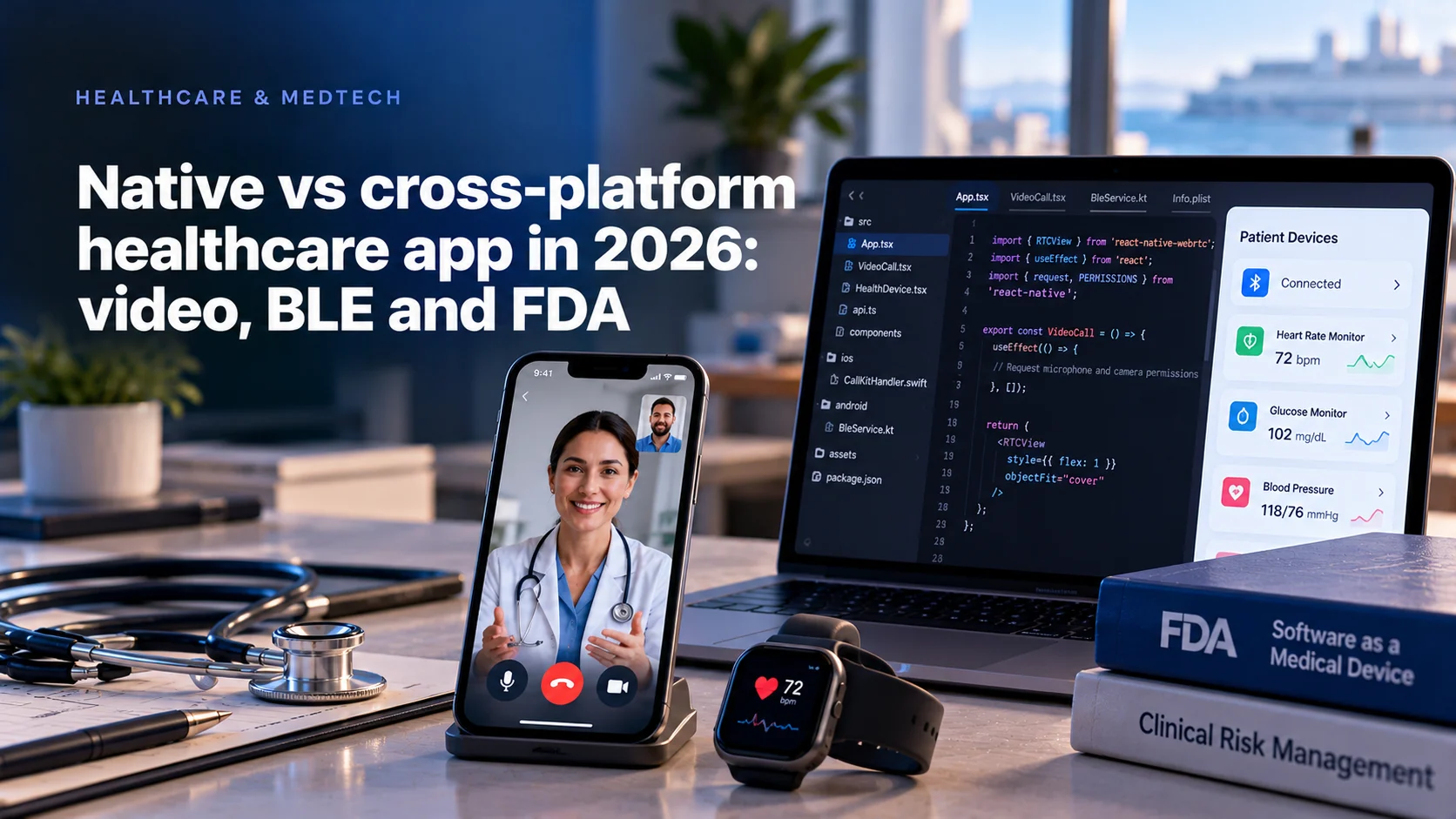
The native vs cross-platform healthcare app decision in 2026 comes down to three features where the operating system sets the rules and the framework does not: incoming video visits, Bluetooth devices that sync in the background, and software that sits under FDA oversight. React Native is a sound default for the screens patients tap through. Swift and Kotlin win wherever the app has to act while the patient is not looking at it.
- iOS holds 53.59% of the US mobile market and Android 46.39%, so most US health apps need both stores at launch.
- Apple terminates any app linked against the iOS 13 SDK or later that receives a VoIP push and fails to report it to CallKit.
- React Native 0.82 runs only on the New Architecture, so every native module you depend on must be checked again.
- In a regulated build, React Native itself becomes a documented SOUP item.
Why a healthcare app still ships on both stores
Start with the patient's phone. StatCounter puts iOS at 53.59% of the US mobile operating system market in September 2026 and Android at 46.39%. That is close to an even split. A patient app that launches on one store leaves almost half of a practice's panel outside it, which is why healthcare buyers usually arrive asking for iOS and Android in the first release.
Two codebases for one product is the cost that makes cross-platform tempting. React Native answers it with one JavaScript or TypeScript codebase that renders native views on both platforms. The framework has also changed underneath its users. React Native 0.82 is the first release that runs entirely on the New Architecture, and setting newArchEnabled=false is now ignored. React Native 0.84 made Hermes V1 the default JavaScript engine on iOS and Android and stopped compiling Legacy Architecture code into iOS builds by default.
For a health app that leans on community packages for calls or Bluetooth, the package list you approved two years ago needs a fresh look.
Three platform deadlines that changed the stack math
Google Play now requires new apps and app updates to target Android 16, API level 36, from August 31, 2026. Google's requirement page allows an extension to November 1, 2026. Apple has required builds made with Xcode 26 and the iOS 26 SDK since April 28, 2026, and since September 9, 2026 every iOS app uploaded must target iOS 13 or later, according to Apple's upcoming requirements page.
Here is the arithmetic that matters. A native team absorbs the platform deadlines. A React Native team absorbs the same deadlines plus the framework's own architecture change, and every native module in the app has to clear all of them at once. When a module's maintainer is slow, your release waits. In a product that ships medication reminders or device data, a blocked store update is a clinical operations problem.
How we compared the stacks
We compared Swift and Kotlin against React Native on the three features where healthcare apps break most often in production: incoming video visits, background Bluetooth Low Energy, and regulated release management. For each one we read the first-party platform documentation from Apple, Google and the FDA, then checked what a widely used React Native library for that job documents about the same behavior.
Flutter and Kotlin Multiplatform hit the same operating system rules as React Native, so Flutter appears only where it changes the answer.
Mercury Development builds in all three approaches. Its mobile development page lists React Native, Flutter and native Swift and Kotlin, so we have no stake in one winner.
Native vs React Native at a glance
| Feature | What the OS enforces | Swift and Kotlin | React Native | Where the code ends up |
|---|---|---|---|---|
| Incoming video visit on a locked phone | iOS: report every VoIP push to CallKit. Android 14: typed foreground service | Direct use of PushKit, CallKit and ConnectionService | Community wrappers plus native code in the app delegate | Native, in both stacks |
| Video visit in picture in picture | iOS 15 for PiP calls, iOS 16 for camera in PiP | Direct AVKit and AVFoundation | Custom native module | Native, in both stacks |
| BLE sync in the background | iOS: bluetooth-central mode and state restoration. Android: companion device or connectedDevice service | Direct Core Bluetooth and Android Bluetooth APIs | Library supports iOS restoration; Android service is still native | Native service, any UI |
| Forms, scheduling, messaging, content | Nothing unusual | Two codebases | One codebase | Shared, in React Native |
| Release under FDA oversight | SOUP list, anomaly review, SBOM for cyber devices | Apple and Google SDKs plus your libraries | Same, plus React Native, Hermes and every JavaScript dependency | Both, with a longer list for React Native |
Video visits: CallKit, PushKit and picture in picture
A scheduled video visit is easy in any framework. The hard version is the one clinicians ask for: the provider calls, and the patient's locked phone rings.
On iOS that path runs through PushKit. Apple's documentation for the VoIP push type is blunt: an app linked against the iOS 13 SDK or later that fails to report a VoIP push to CallKit is terminated, and an app that keeps failing stops receiving VoIP pushes at all. The report has to happen fast, often before a JavaScript runtime has finished loading. In React Native that means the call report lives in native code in the app delegate, whatever the rest of the app is written in.
Picture in picture is the second trap. Apple's guide to PiP for video calls gives AVKit support from iOS 15 and camera access inside PiP from iOS 16. The PiP window receives no touch events, and the capture session is interrupted when the user stashes it. Keeping the patient visible while they check a medication list mid-visit is Swift work.
Android has its own gate. From Android 14 every foreground service declares a type, and Google's foreground service types page says a camera or microphone service cannot be started while the app is in the background. Ongoing calls use the phoneCall type with MANAGE_OWN_CALLS.
React Native covers this with react-native-callkeep, which wraps CallKit and ConnectionService. Its own README points to a separate library for PushKit, warns that it works only on real devices, and rules out Expo Go. That is three packages and a native file between your patient and a ringing phone. It works, if someone on the team can debug all of it.
What the rest of a video visit product costs and how long it takes is in our guide to telemedicine app development.
Background BLE: where React Native stops and the OS takes over
A blood pressure cuff that syncs only while the app is open is a demo. Overnight readings that reach the care team are a product, and the operating system decides whether that happens.
On iOS, an app with the bluetooth-central background mode can keep talking to peripherals. Apple's Core Bluetooth background guide spells out the costs. Background scans ignore the allow-duplicates option, coalesce discoveries and scan less often. If the system terminates the app for memory, state preservation and restoration lets iOS relaunch it into the background when the device event arrives, but only if you created the central manager with a restoration identifier.
Android is stricter. Google's guide to BLE in the background says the connection closes when the process is killed and discourages periodic scanning. For long-lived connections it recommends a companion device service with startObservingDevicePresence(), or a foreground service of the connectedDevice type.
A widely used React Native library, react-native-ble-plx, supports iOS restoration through restoreStateIdentifier. Its README lists compatibility with React Native 0.74.1 and Expo 51 and says nothing about the New Architecture. React Native keeps an interop layer for older modules, so it may run fine. In a device app, "may" is a test plan, and the Android service still has to be written in Kotlin.
Mercury Development's Bluetooth cases show where the effort goes. For Kensington Proximo the team built an algorithm that used BLE and GPS data while keeping battery drain down. For ORIGO it debugged Bluetooth LE at a low level to fix disconnections and replaced an unstable manufacturer driver with its own. Neither problem is visible from a UI framework.
How the same choice plays out for wearables and fitness devices is compared in React Native vs Flutter vs native for BLE apps.
Regulated software: every package is a SOUP item
The FDA does not regulate frameworks. Its policy for device software functions focuses oversight on software functions whose failure could put a patient at risk. Once your app performs one, every third-party component in it becomes part of the device file, and the FDA's guidance on off-the-shelf software from August 2023 sets out the premarket documentation it expects.
IEC 62304 calls these components SOUP. As OpenRegulatory's summary of the standard lays out, every SOUP item needs a title, manufacturer and exact version in all safety classes. Classes B and C add functional and performance requirements, hardware and software requirements, a review of published anomaly lists, and a procedure for evaluating upgrades. If the device connects to the internet, the FDA's cybersecurity guidance adds that an SBOM is required for cyber devices and should include third-party components.
Now count. A native app's SOUP list starts with Apple's and Google's SDKs plus the libraries you add. A React Native app adds React Native, Hermes and every JavaScript package in the lockfile, and the 0.84 engine switch is a SOUP upgrade you must evaluate. None of this blocks clearance. It turns every framework upgrade into a documented change.
Web and cross-platform delivery can work for cleared products. Mercury Development moved EyeIC, a 510(k) FDA-cleared application, from Windows desktop to a web application with HIPAA-compliant online access in 3 months. The framework mattered less than the discipline around it.
How the SOUP list feeds the risk file and the SBOM is covered in our guide to ISO 14971 for software.
Which approach fits your app
- A video visit app for a practice, no connected device: React Native for the product, with the call path in native code from day one.
- A companion app for a Bluetooth device that must sync overnight: a native Bluetooth service on each platform, with the screens in either stack.
- An app that is itself a medical device, or part of one: either stack, with frozen versions, a SOUP list kept current, and an upgrade budget for each framework release.
- A clinician tool on managed iPads only: SwiftUI, because a second platform adds nothing.
- An Apple Watch companion: Swift on the watch. In the Tonal case Mercury built the watchOS app in SwiftUI and Combine next to a Flutter-based iOS app, with complex BLE logic for machine and watch workout sessions.
- A portal-style app for records, forms and content: React Native, as Mercury did when it rebuilt Distiller on one codebase so every change lands on both platforms at once.
If you are still deciding whether you need a store app at all, our guide to wrapper apps vs native apps covers that earlier question.
What our published case studies show about stack choice
We reviewed the stack and platform details on every case study page Mercury Development publishes. A pattern appears here only when at least three cases show it, and shares are rounded to five points.
Around 15% of the published cases name React Native or Flutter. Around 20% involve Bluetooth hardware. The overlap is small: most Bluetooth cases name no cross-platform framework at all, and where one does appear, the watch side that runs the workout session is SwiftUI. Around 15% of all cases use a mixed design, a shared core or shared screens with native code at the platform edge.
The reading is simple. Cross-platform shows up where the product is screens and content. Native shows up where the product talks to hardware. The mixed cases are the ones where one product had to run on very different surfaces, a phone and a watch, or a tablet and custom hardware, and each surface kept its own native edge.
Teams that ship both native and React Native healthcare apps are compared in our shortlist of iOS and React Native healthcare app developers.
Our view: draw the native line before you pick a framework
Most native vs cross-platform debates start with performance. In 2026 that is the wrong place to start: on a typical clinical screen, rendering is not the bottleneck. What it cannot do is change the operating system rules underneath it.
So draw the line first. List the features that must work while the app is closed or the phone is locked, such as incoming calls and overnight device sync. Those run native in every stack. Then look at how long that list is. If it is short, React Native with a native engineer on the team is the cheaper build. If most of the product is on it, you are writing a native app with a JavaScript layer on top, and paying for both.
Then ask who maintains the native modules on that list after the next framework release. If the answer is a community package with no named owner, the risk sits in the part of your app that touches patients.
Written by Alexey Rodionov, Lead Front-end Developer at Mercury Development since 2020. Alexey is a Google Developer Expert in Web Technologies and a Chromium contributor whose code ships in Chrome DevTools, Google's Bubblewrap and Microsoft PWABuilder. The stack review of Mercury's published case studies in this article belongs to the framework and platform decisions his practice is responsible for.
Bring your three hardest features and get the line drawn
Send us the features your app needs while the phone is locked, the devices it talks to, and whether any function falls under FDA oversight. We will mark which parts belong in native code, which can share one codebase, and what that means for your release process.